AI summary generator (2026): how to create great summaries (prompts + workflow + tools)
Want an AI summary generator that produces exam-ready notes (not just a generic TL;DR)? This guide shows a simple 5-step workflow, copy-paste prompts for text/PDFs/papers, a quality checklist, and how to use okti to turn summaries into flashcards and quiz questions.
AI summary generator (2026): how to create great summaries (prompts + workflow + tools)

If you’re searching for an AI summary generator, you probably want one of two outcomes:
- a quick TL;DR so you can move on, or
- study-ready notes you can actually use for an exam.
Most “AI summaries” disappoint because the task is underspecified:
- no audience/level (high school vs. master’s)
- no output format (bullets, outline, definitions, examples)
- no verification step (missing points, wrong details)
This guide gives you a practical workflow that consistently improves quality, plus copy-paste prompts for common scenarios.
You’ll also see how okti fits in: turning summaries into flashcards and quiz questions so your learning becomes active (not passive reading).
Table of contents
- Quick answer: the simplest way to generate a good AI summary
- Which type of summary do you need? (4 outputs)
- The 5-step method (Input → Key points → Outline → Rewrite → Check)
- Copy-paste prompts (text, PDFs, papers, lecture slides)
- Tools compared: chatbots, note apps, summarizers – and where okti fits
- okti workflow: turn a summary into flashcards + quizzes
- Common mistakes + a quality checklist
- FAQ
- Conclusion
Quick answer: the simplest way to generate a good AI summary
Use this 4-part instruction:
- Context: topic + audience + goal (exam, presentation, understanding)
- Format: headings + bullets, definitions, examples
- Length: specify word count or “1-page bullets”
- Check: ask for missing points / uncertain claims
Universal prompt template:
“Create an exam-ready summary of the text below. Use headings + bullet points, highlight definitions, add one short example per section, and finish with 8 typical exam questions. Don’t invent facts; flag uncertainty. If you need more context, ask clarifying questions first.”
It’s already strong — but the next method makes the result more reliable. Especially for long PDFs and dense lecture notes.
Which type of summary do you need? (4 outputs)
“Summary” can mean four very different things. Choosing the output first avoids generic results.
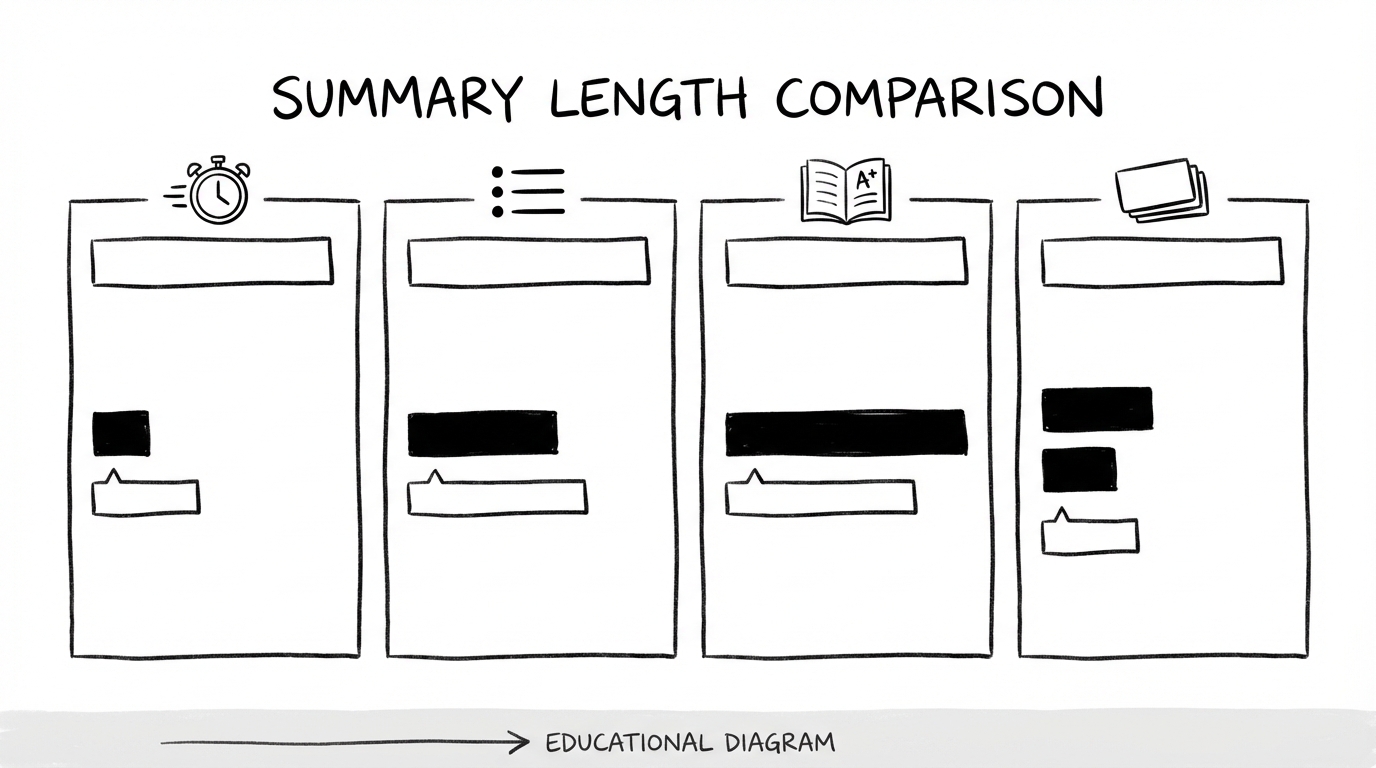
1) TL;DR (30–120 seconds)
- goal: quick orientation
- good for: articles, meetings, overview
- risk: too shallow for exams
2) Bullet summary (5–15 minutes)
- goal: key ideas + structure
- good for: lecture notes, chapters, slide decks
3) Exam-ready summary (30–90 minutes)
- goal: definitions, relationships, examples, typical pitfalls
- good for: written and oral exams
4) Learning output (flashcards + quiz)
- goal: active recall + spaced repetition
- best for: long-term retention
Chatbots can produce any format, but they need explicit targets. The most common failure is asking for “a summary” without specifying whether you want a TL;DR or exam-ready notes.
The 5-step method (Input → Key points → Outline → Rewrite → Check)
This is a simple pipeline that forces the model to work systematically instead of “writing a nice paragraph”.

Step 1: Constrain the input
Be specific:
- what exactly should be summarized? (pages, chapter, slide range)
- what subject + level? (intro economics vs. graduate statistics)
- what goal? (exam, presentation, understanding)
For long documents:
- split into sections
- summarize each section
- create a final “summary of summaries”
Step 2: Extract key points (don’t rewrite yet)
Ask for raw extraction:
- key terms + definitions
- main claims
- processes/steps
- formulas, conditions, constraints
This prevents the model from “smoothly writing” while dropping crucial details.
Step 3: Build an outline
Create a clear structure:
- 5–8 headings
- bullet points under each
- a logical order (general → specific)
A great exam outline often looks like:
- definition
- classification / boundaries
- mechanism / process
- examples
- common misconceptions
- quick check questions
Step 4: Rewrite cleanly
Now ask the model to rewrite the final summary based on the outline.
That’s where you get readability without losing structure.
Step 5: Check and verify
Add a final QA prompt:
- what’s missing?
- what’s unclear or likely wrong?
- what claims can’t be supported by the source?
- generate exam questions
If you rely on a summary for an exam, “sounds plausible” isn’t enough. Always include a check step and verify definitions, numbers, and specialized terms.
Example: from “raw text” to exam-ready notes (mini demo)
Most AI summary generators fail for one reason: the prompt is too vague.
Bad (underspecified)
“Summarize this chapter.”
Typical output: a few paragraphs, missing key definitions, no structure, no exam focus.
Better (system + criteria)
“First extract key terms and definitions as a list. Then build a 6-heading outline. Then write an exam-ready bullet summary with 1 short example per section, plus 8 exam questions. Do not invent facts.”
Why it works:
- extraction reduces omissions
- outline enforces structure
- questions force application (not just paraphrasing)
Control length (so you don’t get 10 pages)
Use hard constraints:
- “max 250 words” (TL;DR)
- “1-page bullet notes”
- “top 15 terms + 10 questions”
Also state what you don’t want:
- no long introductions
- no repetition
- no meta commentary
Privacy note (quick but important)
If you summarize real course materials, check whether you’re allowed to upload them to external tools. Remove personal data (names, student IDs) and consider pasting only the relevant sections instead of uploading full documents.
Copy-paste prompts (text, PDFs, papers, lecture slides)
Prompt 1: Exam-ready summary
You are a tutor. Create an exam-ready summary from the content below.

Audience: [program + semester]
Topic: [topic]
Format:
- headings + bullet points
- highlight definitions
- 1 short example per section
- at the end: 8 typical exam questions (with short model answers)

Rules:
- If key context is missing, ask clarifying questions first.
- Do not invent facts. Explicitly flag uncertainty.

Content:
"""
[PASTE TEXT]
"""
Prompt 2: Large PDF workflow (in chunks)
I will send you multiple sections of a script/PDF.
Task:
1) Extract key points only (terms/definitions/processes/numbers) as a list.
2) Create a structured outline (max 8 headings).
3) Wait for my "OK" before writing the final summary.

Goal: exam preparation.
For long or scanned PDFs, a dedicated tool saves time — see our free AI PDF summarizer comparison.
Prompt 3: Research paper
Summarize this paper so I can present it in a seminar.

Structure:
- research question (1–2 sentences)
- method (bullets)
- key results (bullets)
- limitations (bullets)
- explain it simply (short paragraph)
- 5 discussion questions

If you see statistics (effect sizes/p-values): copy them exactly; otherwise omit.

Text:
"""
[PASTE]
"""
Prompt 4: Lecture slides (exam-focused)
Act as an examiner. Create an exam-focused summary from the slides below.

Deliverables:
- top 15 terms/definitions
- 10 possible exam questions (mix: multiple choice, short derivation, explanation)
- a 1-page bullet summary

Slides:
"""
[PASTE]
"""
More slide-specific tips: how to summarize lecture slides with AI.
Quality rubric: what a “good summary” actually looks like
If you generate multiple versions, you need a simple rubric.
A strong exam-ready summary usually includes:
- Coverage: all core concepts are included (not just the easy ones)
- Clarity: terms are defined, acronyms explained
- Structure: headings follow the logic of the topic (not the original paragraph order)
- Examples: at least one short application/example per section
- Boundaries: “don’t confuse X with Y”, common mistakes
- Exam focus: questions or mini tasks at the end
If one of these is missing, adjust the output type or add explicit criteria to your prompt.
Bonus: summaries for presentations or essays
If your goal is a presentation or an essay (not an exam), change the deliverables:
- replace exam questions with thesis + arguments + counterarguments
- ask for a talk track (how to explain it in 2–3 minutes)
- request a glossary of terms to define consistently
Mini prompt:
“Write a structured summary with a thesis, 5 main arguments, 3 counterarguments, and a short positioning paragraph. Add a glossary of key terms I should define.”
Tools compared: chatbots, note apps, summarizers – and where okti fits
Chatbots are a great starting point, but they rarely solve the full learning loop.
Learning isn’t reading; it’s retrieval + feedback + repetition.
| Tool | Fast | Uploads/sources | Structure & export | Learning mode (flashcards/quiz) | Repeatable workflow |
|---|---|---|---|---|---|
| oktiEmpfohlen | Yes | Yes | Yes | Yes | Yes |
| Chatbots | Yes | Yes | No | No | No |
| AI note apps | Yes | Yes | Yes | No | Yes |
| Simple summarizers | Yes | No | No | No | No |
- Great for TL;DR and explanations
- Long-term organization
- Active recall built-in
- Collect and summarize sources
- Structure + export
- Flashcards/quizzes
- Summary → flashcards → quizzes
- Built for exam workflows
- Fast from source to practice
okti workflow: turn a summary into flashcards + quizzes
Summaries help understanding, but they’re still passive.
The big upgrade is translating your notes into questions:
- create a structured summary
- generate flashcards from it
- review with spaced repetition
- test yourself with quiz questions
In okti, the AI chat (beta) can handle most of this for you: ask it to generate flashcards, quizzes or notes from your documents (changes are only applied after you confirm), and every flashcard keeps a source link to the exact page of the PDF.
Turn summaries into study material
Upload your notes and generate flashcards and practice questions in okti in minutes.
Try okti for freeMini workflow (10–20 minutes)
- take your bullet summary
- add missing definitions
- generate 20–40 flashcards
- start a short review session
What makes a good flashcard?
- one question per card
- short, precise answer
- add a boundary/example when helpful
Spaced repetition in practice (simple schedule)
If you’re new to spaced repetition, keep it simple. The point isn’t a perfect algorithm — it’s regular, low-friction reviews.
A practical starter schedule:
- Day 0 (today): create flashcards and do a first pass
- Day 1: quick review (10–15 minutes)
- Day 3: second review
- Day 7: third review
- Day 14+: keep only the cards you still miss
Two important rules:
- Keep sessions short. Consistency beats marathon sessions.
- Fix bad cards. If you repeatedly miss a card, rewrite it (split it, add context, or make it more specific). Often the “problem” isn’t you — it’s the card.
This is exactly why summary → flashcards is so effective: you’re turning passive content into a system you can iterate and improve.
Common mistakes + a quality checklist
Mistake 1: No context
“Summarize this” leads to generic output.
Always specify: subject, level, goal, format.
Mistake 2: Too much at once
Dumping 60 pages into one prompt typically causes omissions and weak structure.
Summarize in chunks, then merge.
Mistake 3: No verification
For exams:
- verify definitions
- verify formulas/numbers
- sanity-check examples
Checklist (copy/paste)
- Are all core terms defined?
- Are cause/effect relationships clear?
- Are there 1–2 examples?
- Are common misconceptions addressed?
- Could I answer 10 exam questions from this?
Quality-check the summary below for:
1) missing important points
2) unclear or likely incorrect claims
3) parts that are too vague

Then provide:
- a list of corrections
- an improved version
- 10 exam questions (with short answers)

Summary:
"""
[PASTE]
"""
FAQ
What is the best free AI summary generator?
For simple text, free chatbot tiers can work well. For PDFs, repeatable workflows, and study outputs (flashcards/quizzes), you’ll usually want a dedicated tool or a structured process.
Can AI summarize PDFs?
Yes. Make sure your tool supports PDF upload or paste extracted text. For long PDFs, summarize chapter-by-chapter and merge at the end.
How long should an exam summary be?
A practical rule:
- per lecture: 1–2 pages of bullet notes
- per chapter: 1 “essentials” page + a glossary
If you convert to flashcards, the written summary can be shorter.
How do I prevent hallucinations?
- explicitly instruct “don’t invent facts”
- add a verification step
- verify definitions and numbers against the source
Are “no sign-up” summary tools any good?
They can be fine for very short texts, but they often lack control (structure, level, constraints) and don’t support longer study workflows. If your goal is exam prep, prioritize a process with an outline + QA step, and ideally a tool that helps you turn summaries into practice (questions/flashcards).
How do I turn a summary into good exam questions fast?
For each section of your summary, generate:
- 2 definition/understanding questions
- 1 boundary question (“difference between X and Y?”)
- 1 application question (“how would you use/solve …?”)
Five sections → ~20 exam-style questions with minimal effort.
Is summarizing better than flashcards?
They serve different goals.
Summaries improve understanding. Flashcards and quizzes build retrieval strength. The best sequence is summary → flashcards → quiz.
Conclusion
Using an AI summary generator is easy in 2026 — producing a reliable summary takes a method.
Remember:
- pick the output type first
- use the 5-step pipeline (key points → outline → rewrite → check)
- translate the result into active recall
If you want to go from “I read it” to “I can answer it”, try okti and turn your summaries into flashcards and practice questions. It saves time and makes your progress measurable.