Law flashcards AI app: build exam-ready cards fast (2026)
Looking for a law flashcards AI app? This guide shows how to turn PDFs, case notes & outlines into high-quality flashcards with spaced repetition — plus a comparison (Anki, Quizlet, Repetico, Jurafuchs) and a practical workflow with okti (2026).
Law flashcards AI app: learn faster, remember longer (2026)

If you’re studying law (university or bar exam prep), you already know the reality: the volume is huge, details are unforgiving, and “I understand it” doesn’t automatically mean “I can recall it under pressure.”
That’s why more and more students search for a law flashcards AI app. Not because flashcards are magic — but because the best systems combine two learning levers that actually work:
- Active recall: you practice retrieving definitions, elements, test structures, and standard arguments.
- Spaced repetition: you review right before you forget, instead of cramming randomly.
The problem is that many classic flashcard apps are either:
- powerful but painful to set up,
- easy but not built for exam-grade workflows, or
- great for pre-made content but not flexible when you want to learn from your PDFs, your outlines, and your course structure.
This guide gives you a practical path:
- what a good law flashcards app needs in 2026,
- what AI can realistically do for flashcard creation (and where it fails),
- a comparison of popular options (Anki, Quizlet, Repetico, Jurafuchs),
- and a repeatable workflow with okti.
Brand note: When you see “okti” here, it’s our learning app — intentionally always lowercase.
Table of contents
- Quick verdict
- Why law flashcards work (when used correctly)
- What AI can do for law flashcards (and where it breaks)
- Must-have features checklist
- Fast comparison table
- Apps in detail
- Best workflow: PDF/notes → exam knowledge
- Law flashcard templates (that actually help in exams)
- FAQ
- Conclusion
Quick verdict
If you want a decision in under a minute:
- Maximum control and long-term durability: Anki (best SR engine; you build workflows yourself).
- Modern all-in-one (web + mobile) with planning and some AI: Repetico.
- Simple and widely used (but often paywalled): Quizlet.
- Law-specific, didactic practice units: Jurafuchs (strong guided learning; not a pure “import my PDF → cards” tool).
- If your biggest pain is creating cards from your materials: okti (AI-assisted creation + spaced repetition routine).
Read next: deciding between the two classics? See Anki vs Quizlet in 2026. Want to leave Quizlet’s paywall behind? Compare apps like Quizlet for law students.
Build law flashcards without typing everything
With okti you can upload your PDFs/notes and generate high-quality flashcards and quiz questions fast — then review them with spaced repetition.
try okti for freeWhy law flashcards work (when used correctly)
Law is not only about “understanding” — it’s also about retrieval and application. You need to recall:
- definitions
- elements and test structures
- key distinctions
- standard problems and typical traps
- competing views + the strongest arguments
Flashcards are ideal for that if you use them the right way.
1) Active recall beats rereading
Highlighting and rereading can feel productive — but it often trains recognition, not retrieval. Flashcards force you to:
- see a prompt
- produce the answer
- only then check
Harder in the moment, better in the exam.
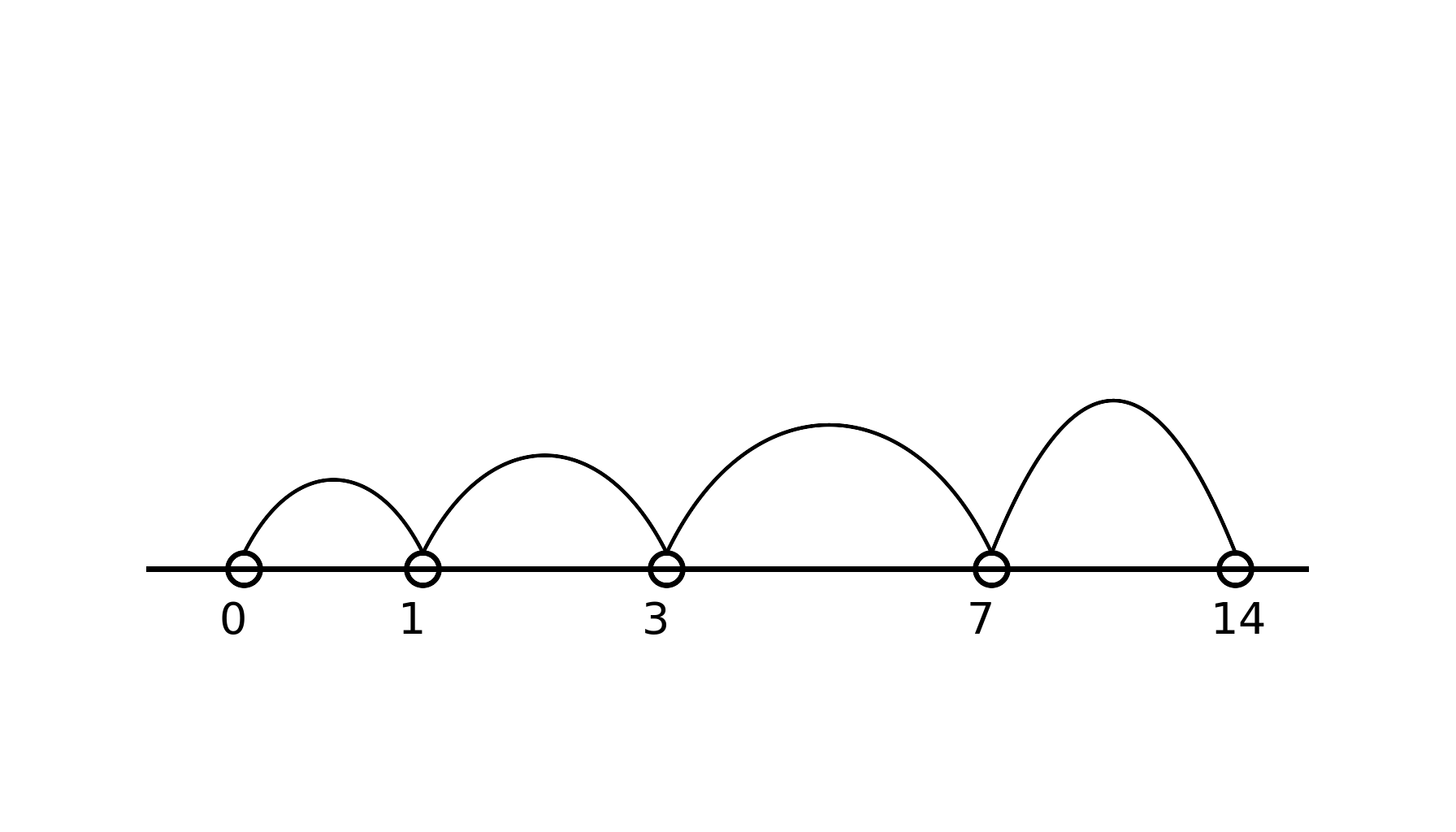
2) Spaced repetition beats last-minute cramming
Forgetting is normal. What matters is reviewing just before you forget. A good SR algorithm makes you:
- see weak cards more often
- see stable cards less often
- retain more with less total time
3) Law-specific quality: flashcards must be exam-ready
A good law flashcard isn’t a wiki entry. It’s an exam retrieval aid:
- short
- precise
- relevant
- phrased as a trigger you’ll see in real problems
This is where AI helps a lot — and where it can also mess things up if you rely on it blindly.
What AI can do for law flashcards (and where it breaks)
AI is not a replacement for thinking. But it’s excellent at turning raw text into learning formats.
AI helps with …
1) Extraction: PDF/outlines → candidate card points
AI can scan your material and propose:
- definitions
- elements
- recurring patterns
- typical pitfalls
- short examples
2) Rewriting: paragraphs → Q/A prompts
It can transform “X requires A, B, C” into:
- “What are the requirements for X?”
- “How do you distinguish X from Y?”
3) Variations: multiple angles for the same doctrine
Useful variations include:
- mini fact pattern prompt
- distinction prompt
- error-spotting prompt
AI breaks at …
1) Confident-sounding but wrong
It may produce plausible legal language that is inaccurate or jurisdictionally off.
2) Missing exam prioritization
Without context, AI may overproduce details that don’t matter in your course/exam.
3) Source/recency issues
Case law and doctrinal updates require you to know what you’re learning and why.
Use AI to draft cards quickly — but you do a short quality check before trusting them.
Must-have features checklist
When choosing a law flashcards app, check these categories.
A) Review engine
- real spaced repetition scheduling
- meaningful rating buttons (easy/good/hard)
- stats that help you manage workload
B) Creation speed
- fast editor and bulk edits
- import/export (CSV and ideally Anki-compatible)
- media support (images, screenshots)
C) AI workflows (2026 baseline)
- upload material (PDF/notes)
- generate flashcards
- generate quiz/MC questions
- summarization as a pre-step
D) Law reality
- support for test structures (cloze, checklists)
- support for argument chains
- organization by subject/module/exam block
E) Data control
- exports/backups
- clear pricing
- privacy expectations (especially when uploading lecture material)
Fast comparison table
| Tool | Free (basic) | AI features | Import/export | Spaced repetition | Mobile app |
|---|---|---|---|---|---|
| oktiEmpfohlen | Yes | Yes | Yes | Yes | Web app |
| Anki | Yes | No | Yes | Yes | Yes |
| Repetico | Yes | Yes | Yes | Yes | Yes |
| Quizlet | Yes | Yes | Yes | Partial | Yes |
| Jurafuchs | No | Partial | No | Yes | Yes |
Apps in detail
Anki
Pros: strongest SR engine, highly customizable, great export control.
Cons: setup/UX friction, no built-in AI workflows.
Best for: power users who want a long-term system.
Repetico
Pros: modern web + mobile, planning focus, some AI features, pre-made categories.
Cons: not as open-ended as Anki for power workflows.
Best for: students who want a balanced system without heavy setup.
Quizlet
Pros: easiest onboarding, lots of public sets, polished mobile app.
Cons: key features behind paywalls; SR/exam logic less strict.
Best for: quick start and casual review.
Jurafuchs
Jurafuchs is more of a guided digital law tutor with interactive units and SR-style repetition (see jurafuchs.de). It’s less of a “turn my PDF into cards” product.
Best for: structured, guided learning + practice units.
okti
What okti is for: turning your own materials (PDFs, notes, slides) into usable cards quickly — then maintaining a daily SR routine.
okti also helps with the verification problem specific to law: every generated card keeps a “View source” link to the exact page of your PDF, and an Explain button explains the answer in simple words with reference to your source document. If you repeatedly miss cards on a doctrine, okti’s Tutor mode offers to explain the topic in a short interactive lesson.
Best for: students who want to reduce the card-creation overhead and focus on consistent review.
Best workflow: PDF/notes → exam knowledge
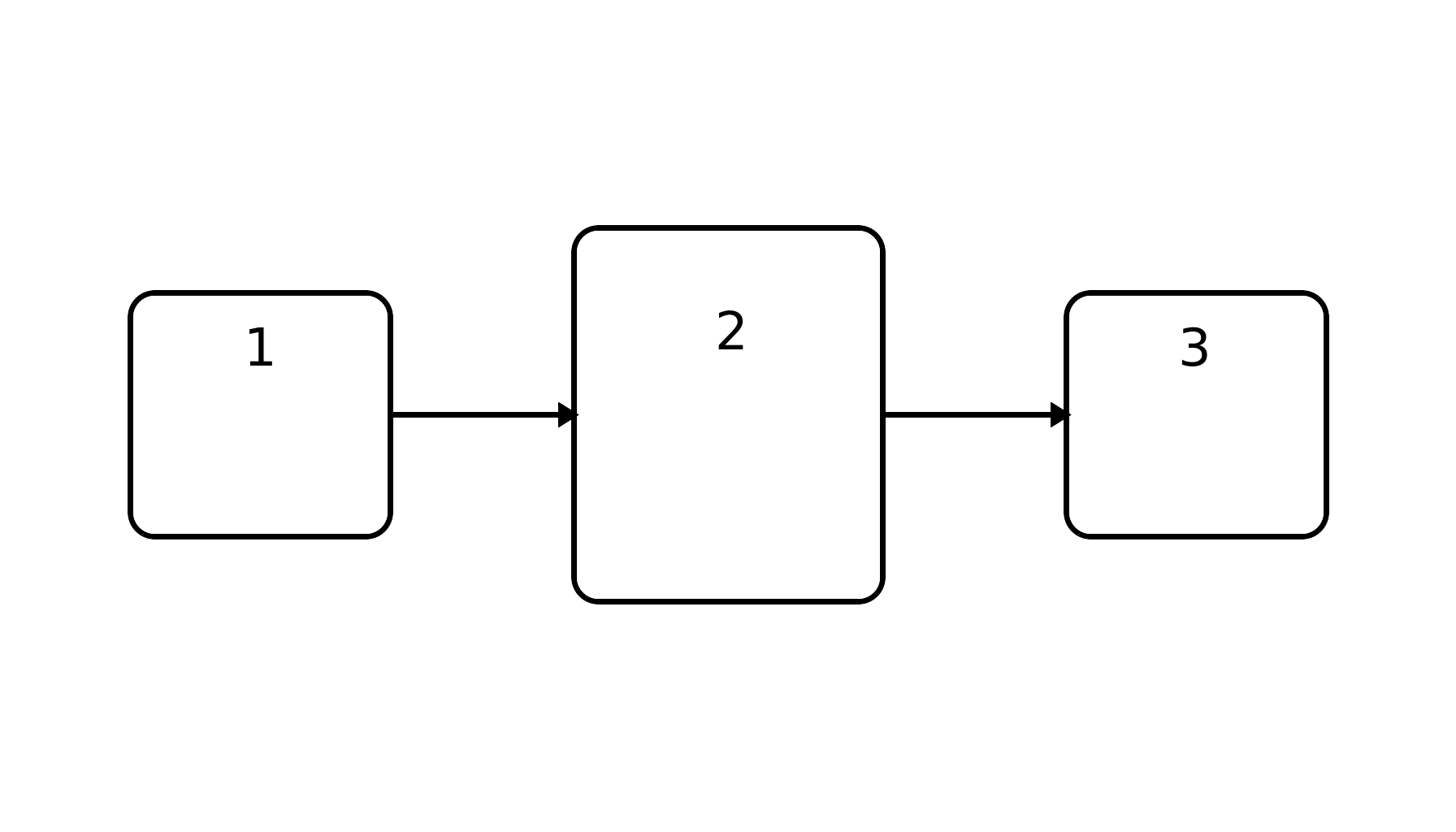
This workflow scales best in real life. AI makes step 3 dramatically faster.
Step 1: pick a tight topic block
Examples:
- “mistake / misrepresentation”
- “elements of negligence”
- “administrative act definition + requirements”
Step 2: understand first, then card
Spend 10–20 minutes reading/understanding. Cards are for retention, not first exposure.
Step 3: generate a first deck with AI
With okti you can upload your notes/PDF and ask for:
- exam-relevant definitions + elements
- short answers (1–2 sentences)
- 1–2 classic traps as extra cards
(Full walkthrough: create flashcards from a PDF with AI.)
Step 4: quick quality check
- is it correct in your jurisdiction?
- is it short enough?
- is it actually testable?
Step 5: daily review slots
Consistency beats 6-hour marathons. Aim for:
- 20–40 minutes SR daily
-
- 2–3 sessions/week of practice questions or essays
Build a 30-minute daily routine
okti is designed for short daily reviews — so flashcards don’t turn into a second full-time job.
open oktiLaw flashcard templates (that actually help in exams)
Use these templates as prompts for AI generation.
1) Definition card
Prompt style: “Define X in one sentence. Add one short example.”
2) Elements checklist card
Prompt style: “List the elements of X as bullets (no paragraphs).”
3) Distinction card
Prompt style: “Distinguish X vs Y in 2 bullets each + one trigger example.”
4) Competing views card
Prompt style: “Give majority view, minority view, strongest argument each, and a short exam tip.”
5) Fact-pattern trigger card
Prompt style: “Given mini fact pattern, what issue is triggered and how do you analyze it (2–3 steps)?”
If an answer takes more than ~20–30 seconds to say out loud, the card is too big. Split it.
FAQ
Are AI-generated law flashcards reliable?
They can be — if you use strict templates and do a short check. Don’t blindly trust fluent legal-sounding text.
How many cards should I do per day?
A realistic baseline:
- creation: 10–30 new cards per session
- review: 50–150 reviews/day (20–40 minutes)
Should I use public decks?
As a supplement: yes. As your core system: risky. Quality and jurisdiction fit vary massively.
Conclusion
A law flashcards AI app is most valuable when it doesn’t just show flashcards — it helps you create exam-ready cards from your own materials fast, and then keeps you in a consistent spaced repetition routine.
If your bottleneck is typing and formatting instead of learning, AI-powered creation is the lever.
Try the AI workflow on your next outline
Upload a PDF and generate a first exam-ready deck in okti — then start reviewing right away.
try okti for free